TechRobot | Discover the Top 10 VPNs of 2026
Expert reviews, side-by-side comparisons, and unbiased recommendations to help you choose the best VPN for streaming, privacy, security, and more.
✓ 100+ VPNs Tested
✓ Updated Weekly
✓ No-Nonsense Reviews by Tech Experts
TechRobot: Your Trusted Guide to VPN Selection
We test, compare, and review VPNs so you don’t have to. Whether you’re looking to protect your privacy, stream geo-blocked content, or secure your connection on public Wi-Fi, TechRobot helps you find the right VPN for your specific needs.
Why trust us? Our team of cybersecurity experts and tech journalists independently test every VPN we review. We evaluate speed, security features, privacy policies, ease of use, and value for money.
Top 10 VPNs At-A-Glance (January 2026)
| VPN Provider | Best For | Starting Price | Unlimited Connections |
|---|---|---|---|
| ExpressVPN Top pick | Overall Performance | $2.79 | 10 (Basic plans) -14 (Pro plans) |
| NordVPN | Security Features | $3.96 | 10 |
| Surfshark | Unlimited Devices | $1.99 | unlimited |
| Proton VPN | Privacy & Transparency | $2.49 | 10 |
| CyberGhost | Streaming | $2.55 | 7 |
| Private Internet Access | Customization | €1.99 | unlimited |
| IPVanish | Families | $2.19 | unlimited |
| PrivadoVPN | Free Tier | $1.29 | 10 |
| VeePN | Gaming | $1.99 | 5 (basic plans) - 20 (Max plans) |
| TotalVPN | Simplicity | $1.85 | 5 |
See Full Reviews & Comparisons →

Best Overall VPN of 2026
Get ExpressVPNWhat Is a VPN & Why You Need One
The Basics
A Virtual Private Network (VPN) encrypts your internet connection and routes it through a secure server, hiding your IP address and protecting your online activity from prying eyes.
Top Reasons to Use a VPN
1. Privacy Protection
Prevent ISPs, advertisers, and governments from tracking your browsing habits.
2. Security on Public Wi-Fi
Shield your data from hackers when using coffee shops, airports, or hotel networks.
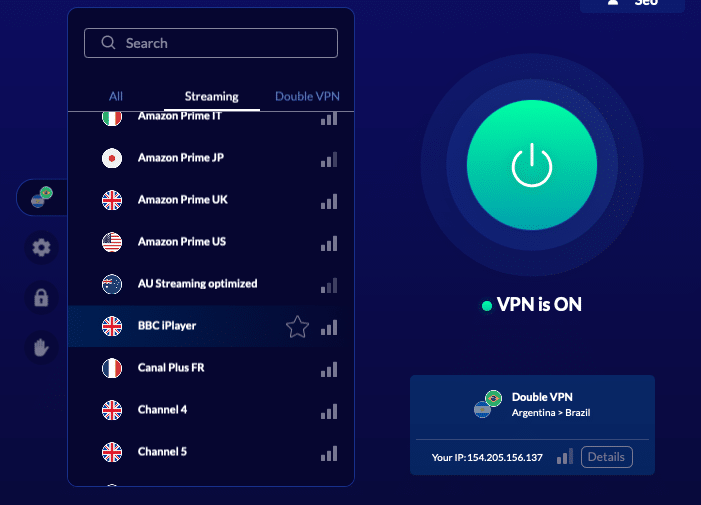
3. Access Geo-Blocked Content
Stream shows and movies not available in your region on Netflix, Hulu, BBC iPlayer, and more.
4. Bypass Censorship
Access restricted websites and services in countries with internet restrictions.
5. Safe Torrenting
Download files anonymously without exposing your IP address.
6. Avoid Price Discrimination
Prevent dynamic pricing based on your location for flights, hotels, and online shopping.
Learn More About VPN Benefits →
How to Choose the Best VPN
- Speed & Performance
Fast connection speeds for streaming, gaming, and browsing without lag.
- Security & Encryption
Military-grade encryption (AES-256), secure protocols (WireGuard, OpenVPN), and kill switch protection.
- Server Network
Large server count across multiple countries for better speed and access to geo-restricted content.
- Price & Value
Competitive pricing with money-back guarantees (typically 30 days).
- Streaming Performance
Ability to unblock Netflix, Disney+, HBO Max, Amazon Prime Video, and other platforms.
- Device Compatibility
Support for Windows, Mac, iOS, Android, Linux, routers, smart TVs, and browser extensions.
- Privacy Policy
Strict no-logs policies, jurisdiction outside surveillance alliances (5/9/14 Eyes), and transparent audits.
- Customer Support
24/7 live chat, email support, and comprehensive troubleshooting guides.
Our Testing Process
We evaluate every VPN across 50+ criteria including:
- Speed tests across multiple server locations
- Security audits and leak tests (DNS, IP, WebRTC)
- Streaming capability checks on 15+ platforms
- Privacy policy analysis and company background verification
- Real-world usability testing on all major devices
2026 Ranking: The Best VPNs
- 3,200 servers across 105 countries
- Works with streaming platforms
- AES 256-bit encryption
- Supports private protocol, Lightway
- Money-back guarantee
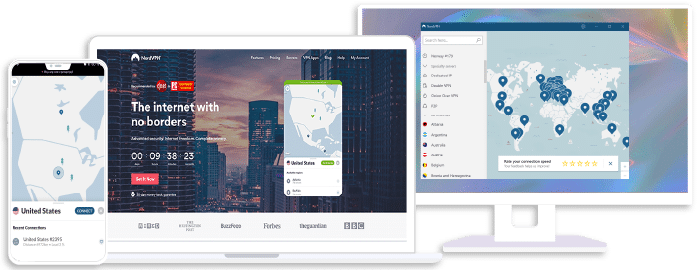
- 8,700+ servers available in 129 countries
- Connect up to 10 devices simultaneously
- Great security features
- Verified no-logs policy
- Unblocks streaming platforms
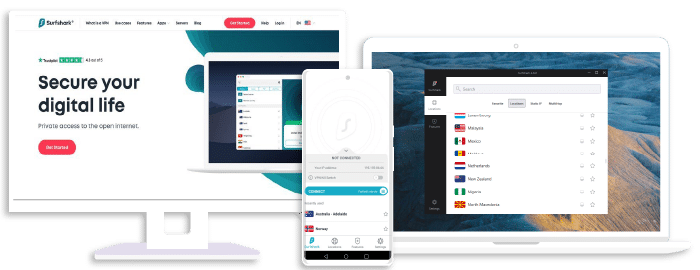
- 4,500+ servers in 100+ countries
- Allows unlimited simultaneous connections
- Integrates stealth mode
- Multihop feature available
- Webcam protection from unauthorized apps

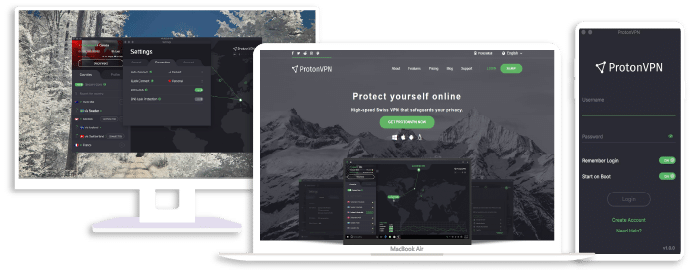
- 15,800+ servers in 125+ countries
- Free version available
- Strong security features
- Reliable no-logs policy
- Allows Perfect Forward Secrecy
- 1,800+ servers in over 80 countries
- Multi-device protection as standard
- 100% compatible with all devices
- Adblock and antivirus included with the subscription

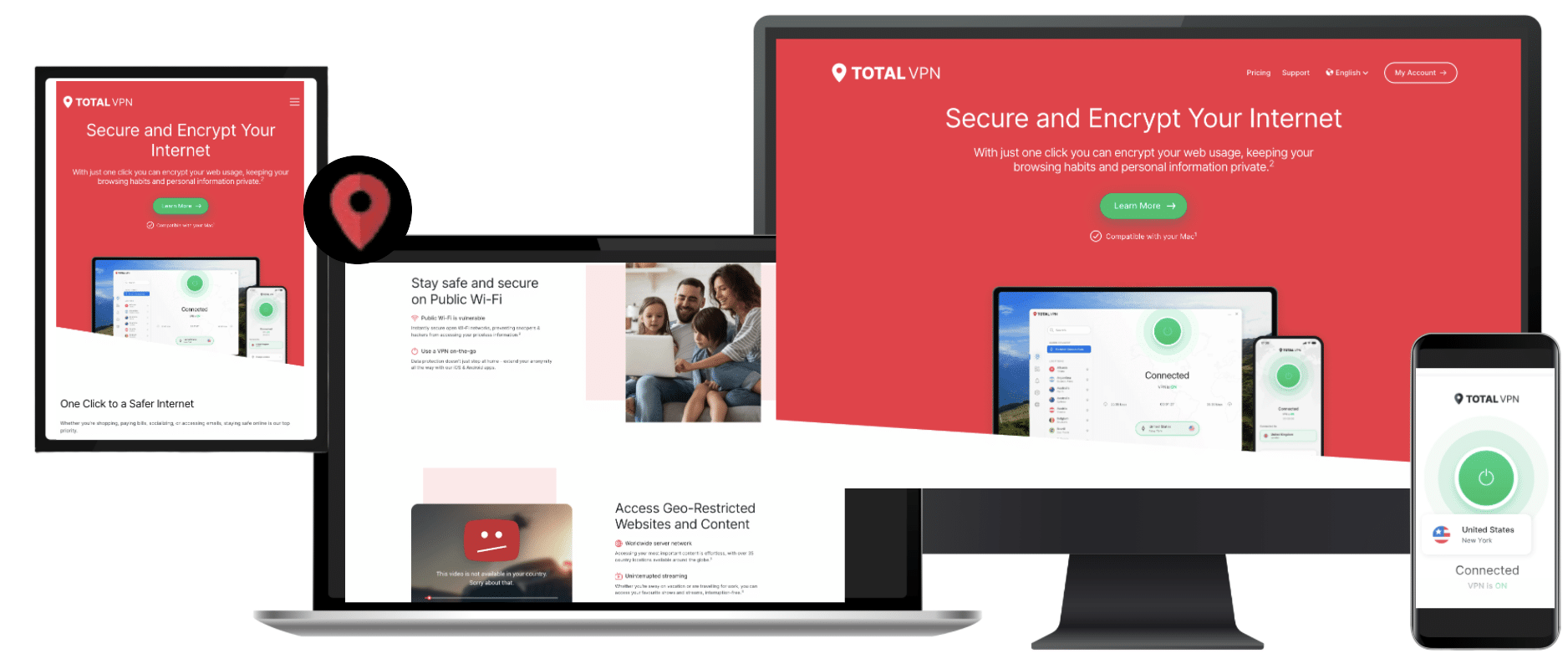
- 9,300+ reliable servers in 100 countries
- 45-day money-back guarantee
- Strict no-logs policy
- Tough security features

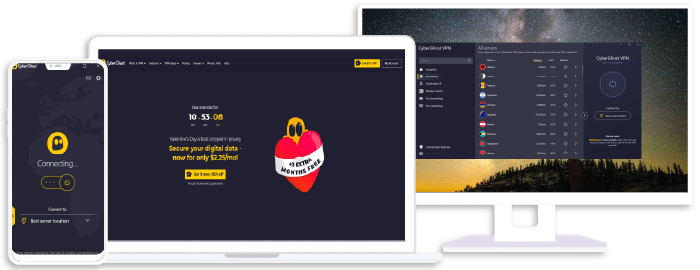
- Speedy servers
- AES 256-bit encryption
- Offers a 7-day free trial on mobile
- Unblocks restricted platforms with ease

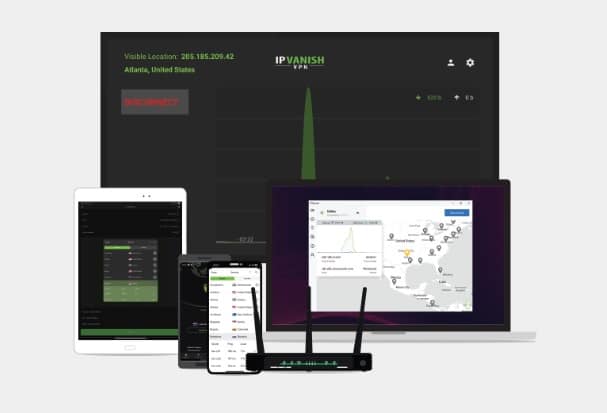
- Up to 20 devices on different platforms
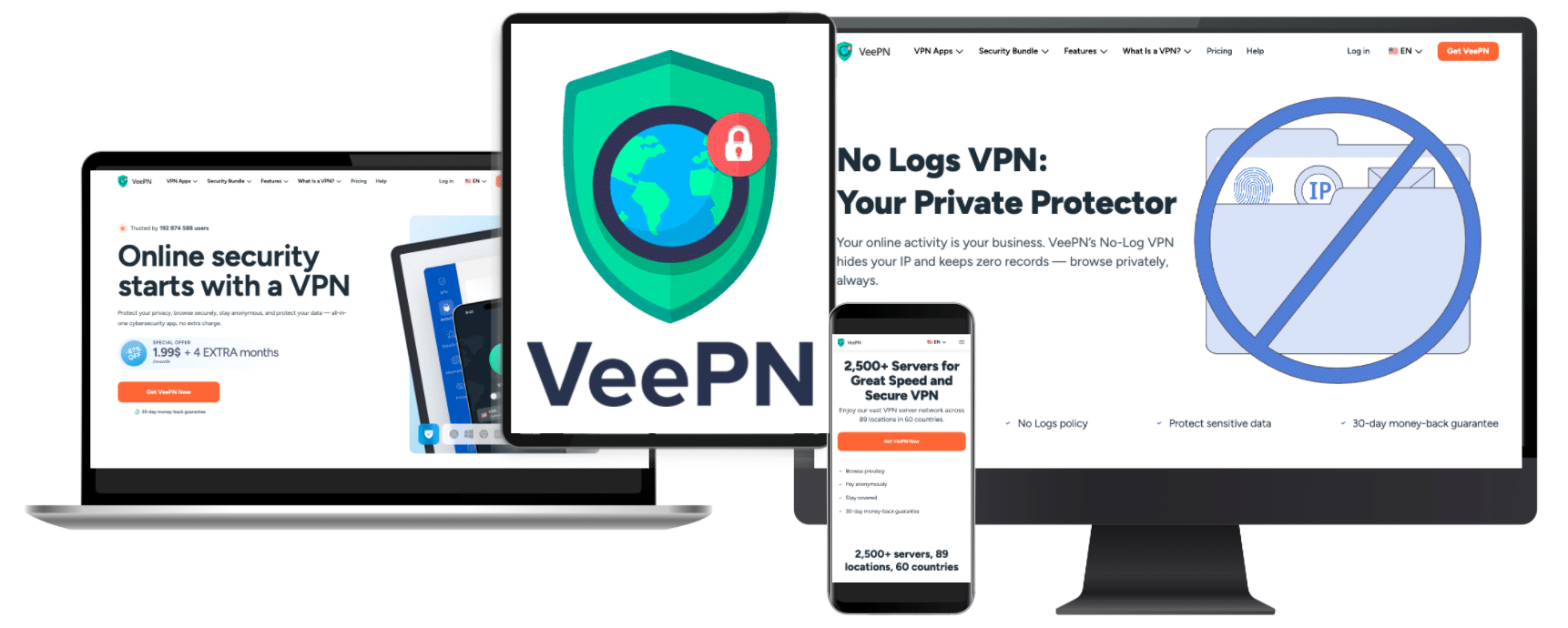
- Over 2,500 servers in 60+ countries
- Excellent streaming capability: Netflix, Disney+, Hulu, HBO Max, BBC iPlayer, and more
- Panama-based, privacy-friendly jurisdiction
- 100+ servers worldwide
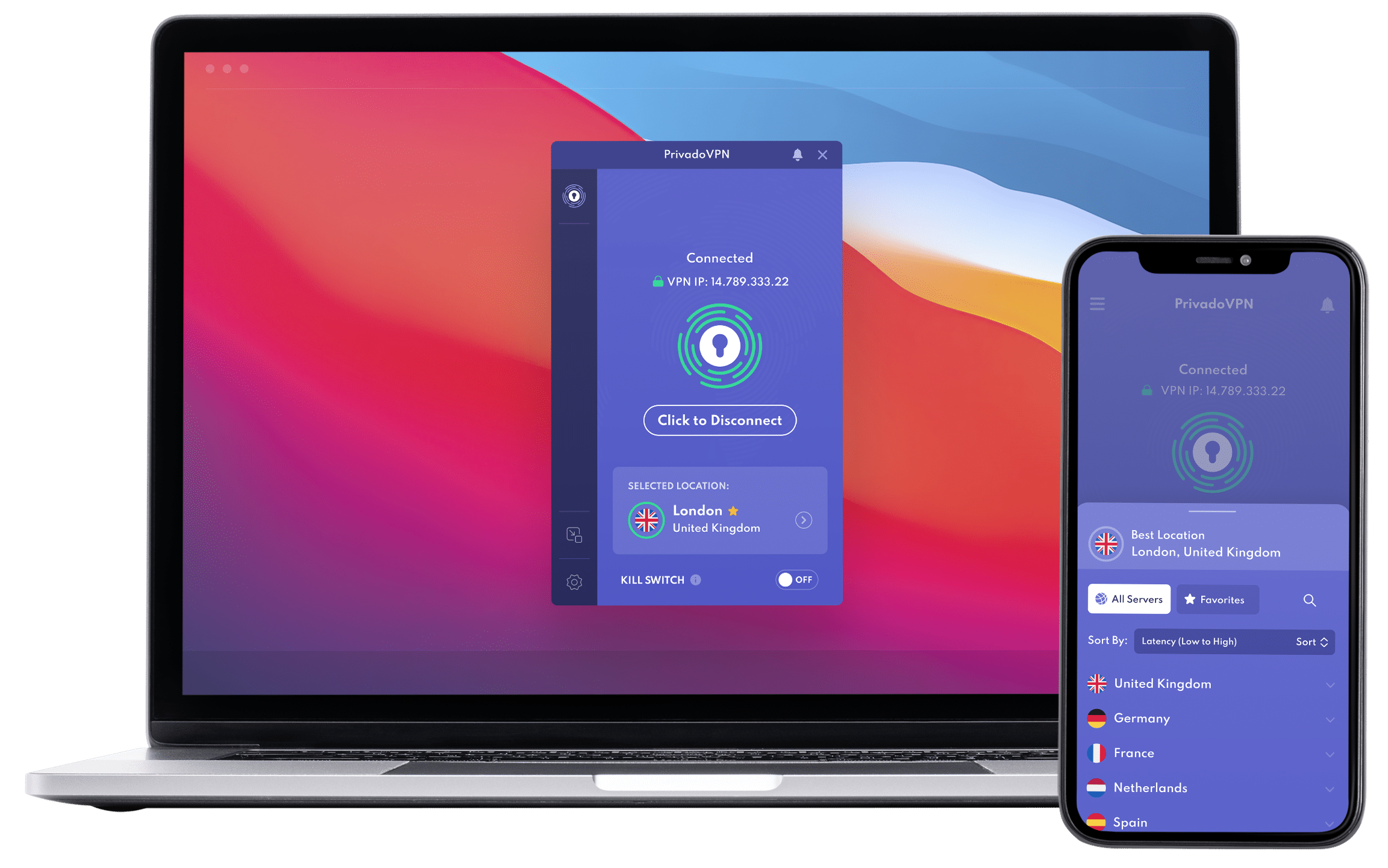
- App to connect on all devices
- Zero-Log policy
- IP leak protection
- Connect up to 10 devices simultaneously

- Great unblocking ability
- Supports WireGuard protocol
- Decent streaming speed
- Affordable subscription offers
VPN Use Cases
Streaming Geo-Blocked Content
The Challenge: Streaming services restrict content based on your location.
The Solution: VPNs let you connect to servers in different countries to access region-specific libraries.
Best VPNs for Streaming:
NordVPN (fast streaming speeds)
CyberGhost (dedicated streaming servers)
Get the #1 VPN for Streaming
Get NordVPNComplete Streaming VPN Guide →
Securing Public Wi-Fi
The Challenge: Public networks are vulnerable to man-in-the-middle attacks and data interception.
The Solution: VPNs encrypt all traffic between your device and the internet.
Best VPNs for Security:
Proton VPN (open-source transparency)
NordVPN (advanced security features)
Private Internet Access (strong encryption options)
Try the Top Security VPN Risk-Free
Get Proton VPNAnonymous Browsing & Privacy
The Challenge: ISPs, advertisers, and websites track your online behavior.
The Solution: VPNs mask your IP address and encrypt your browsing data.
Best VPNs for Privacy:
Proton VPN (Switzerland jurisdiction, no logs)
ExpressVPN (RAM-only servers)
NordVPN (audited no-logs policy)
Remote Work & Business Use
The Challenge: Accessing company resources securely from home or while traveling.
The Solution: VPNs create secure connections to corporate networks.
Best VPNs for Business:
ExpressVPN (reliable connections)
Private Internet Access (team management features)
Best Business VPN of 2026
Get ExpressVPNVPN Comparison
Side-by-Side Comparisons
Compare VPNs feature-by-feature:
VPN Finder Quiz
Get personalized VPN recommendations based on your needs:
Find the best VPN for you
Answer a few quick questions about budget, devices, streaming, and connections — then get a tailored recommendation.
💸 Budget
What matters most: the lowest price, or balanced value?
👥 Simultaneous connections
How many devices do you want protected at the same time?
🎬 Use case
Select what you care about most (pick all that apply).
🧩 Advanced needs
These can influence which VPN fits best.
🏁 Your result
Frequently Asked Questions
VPN FAQs
Are VPNs legal?Short answer: Yes, VPNs are legal in most countries.
VPNs are legal in the United States, Canada, UK, and most of Europe, Asia, and South America. However, some countries restrict or ban VPN use, including China, Russia, Iran, UAE, and North Korea. Even in countries where VPNs are legal, using them for illegal activities (hacking, fraud, copyright infringement) is still against the law.
Do VPNs slow down internet speed?Short answer: Yes, but minimally with quality VPNs.
All VPNs cause some speed reduction because your data travels through an encrypted tunnel to a remote server. However, premium VPNs like ExpressVPN, NordVPN, and Surfshark typically reduce speeds by only 10-20%.
Factors affecting VPN speed:
- Distance to VPN server (closer = faster)
- Server load (less crowded = faster)
- Encryption protocol (WireGuard is fastest)
- Your base internet speed
In some cases, VPNs can actually improve speeds by preventing ISP throttling on streaming or torrenting traffic.
Can I use a free VPN?Short answer: Free VPNs exist, but come with significant limitations.
Free VPNs often have:
- Data caps (typically 500MB-10GB per month)
- Slower speeds due to server congestion
- Fewer server locations
- Weaker security and privacy protections
- Intrusive ads or data selling to third parties
We recommend PrivadoVPN’s free tier for light browsing, but premium VPNs offer better value for regular use. Most paid VPNs cost $2-7/month with annual plans and include 30-day money-back guarantees.
See our free VPN guide →
Will a VPN hide my activity from my ISP?Short answer: Yes, VPNs encrypt your traffic so ISPs can’t see what you’re doing online.
When you use a VPN, your ISP can see:
- That you’re connected to a VPN server
- How much data you’re using
- Connection timestamps
Your ISP cannot see:
- Which websites you visit
- What you do on those websites
- Your search history
- Files you download
However, websites you visit can still see your activity on their platform (unless you also use privacy tools like incognito mode or anti-tracking browser extensions). The VPN provider can potentially see your activity, which is why choosing a provider with a strict no-logs policy is crucial.
Can I use one VPN subscription on multiple devices?Short answer: Yes, most VPNs allow 5-10+ simultaneous connections.
Current device limits by provider:
- Surfshark: Unlimited devices
- IPVanish: Unlimited devices
- NordVPN: 10 devices
- ExpressVPN: 8 devices
- CyberGhost: 7 devices
- Proton VPN: 10 devices
- Private Internet Access: Unlimited devices
- PrivadoVPN: 10 devices
- VeePN: 10 devices
- TotalVPN: 5 devices
One subscription typically covers smartphones, tablets, computers, and smart TVs. You can also install VPNs on routers to protect all devices on your home network simultaneously.
Do VPNs work with Netflix and streaming services?Short answer: Premium VPNs work with most streaming platforms, but not all VPNs can bypass restrictions.
Streaming services actively block VPN IP addresses to enforce geographic licensing agreements. However, leading VPNs constantly update their server networks to maintain access.
Best streaming compatibility:
- ExpressVPN: Works with 15+ platforms including Netflix, Disney+, Hulu, BBC iPlayer
- NordVPN: Reliable for Netflix, HBO Max, Amazon Prime Video
- CyberGhost: Dedicated streaming servers for major platforms
- Surfshark: Consistent Netflix access across libraries
Free and budget VPNs often struggle with streaming detection. If streaming is your primary use case, invest in a proven service with a money-back guarantee.
See our streaming VPN comparisons →
Are VPNs safe? Can they be hacked?Short answer: Reputable VPNs are very safe when properly configured, though no technology is 100% hack-proof.
Security features in quality VPNs:
- AES-256 encryption (same standard used by military and banks)
- Secure protocols (WireGuard, OpenVPN, IKEv2)
- Kill switch (blocks internet if VPN disconnects)
- DNS leak protection
- Regular security audits by independent firms
Potential vulnerabilities:
- Weak or misconfigured encryption
- DNS/IP/WebRTC leaks (preventable with good VPNs)
- Malware in fake VPN apps
- VPN provider keeping logs and sharing data
Stick with established VPN providers that have been independently audited (Proton VPN, ExpressVPN, NordVPN) and avoid unknown free VPNs.
What’s the difference between a VPN and a proxy?Short answer: VPNs encrypt all device traffic; proxies only reroute specific browser traffic without encryption.
VPN:
- Encrypts all internet traffic from your device
- Works at the operating system level
- Protects all apps and browsers
- Hides IP address
- Provides security and privacy
Proxy:
- Only reroutes browser traffic (typically)
- No encryption (usually)
- Hides IP address but doesn’t protect data
- Faster but less secure
- Good for bypassing basic geo-restrictions
Use proxies for simple IP masking and VPNs for comprehensive security and privacy protection.
How do I set up a VPN?Short answer: Download the app, sign in, and click connect—it takes 2-3 minutes.
Step-by-step setup:
- Choose and purchase a VPN (we recommend starting with providers offering 30-day money-back guarantees)
- Download the app for your device from the VPN provider’s website or app store
- Install and sign in using your account credentials
- Select a server location (or use “Quick Connect” for the fastest option)
- Click connect and verify your connection is secure
Pro tips:
- Enable the kill switch in settings for maximum security
- Turn on auto-connect for automatic protection when you go online
- Test for IP leaks at ipleak.net after connecting
Most VPNs also offer browser extensions for quick connection without opening the full app.
See device-specific setup guides →
Can my VPN provider see my browsing history?Short answer: Technically yes, but reputable no-logs VPNs don’t store or monitor your activity.
When connected to a VPN, your traffic passes through the provider’s servers, which means they could theoretically monitor your activity. This is why choosing a provider with a strict no-logs policy is critical.
Verified no-logs VPNs:
- ExpressVPN (audited by PwC)
- NordVPN (audited by Deloitte)
- Proton VPN (open-source, Swiss privacy laws)
- Surfshark (independently audited)
Red flags:
- VPNs based in 5/9/14 Eyes countries without audits
- Free VPNs with vague privacy policies
- Providers that have previously shared user data with authorities
Always read privacy policies and look for independent audits confirming no-logs claims.
Expert Reviews & Guides
In-Depth VPN Reviews
Each review includes:
✔️ 40+ hours of hands-on testing
✔️ Speed tests across 10+ server locations
✔️ Security audits and leak tests
✔️ Streaming platform compatibility checks
✔️ Customer support evaluations
✔️ Pricing analysis and value assessment
Most Read Review January 2026
How-To Guides
About Our Testing & Review Process
Our Expertise
TechRobot’s review team consists of cybersecurity professionals, network engineers, and tech journalists with 50+ years of combined experience in digital privacy and security.
Our experts have:
- Tested over 100 VPN services
- Published research on encryption standards and privacy practices
- Worked with Fortune 500 companies on network security
- Contributed to major tech publications
We maintain strict editorial independence—our reviews are never influenced by affiliate relationships.
Meet our team and read our full editorial policy →
How We Test VPNs
1. Speed Testing (20 hours)
- Baseline speed tests without VPN
- Tests across 10+ server locations per provider
- Multiple times of day to account for server load
- Different protocols (WireGuard, OpenVPN, IKEv2)
2. Security Evaluation (10 hours)
- Encryption standard verification
- DNS leak testing
- IP leak testing
- WebRTC leak testing
- Kill switch functionality
- Security audit review
3. Privacy Assessment (5 hours)
- Privacy policy analysis
- Company jurisdiction and ownership research
- Historical data sharing incident investigation
- Independent audit verification
- Warrant canary checks
4. Streaming Tests (8 hours)
- Netflix (US, UK, Japan libraries)
- Disney+, HBO Max, Hulu, Amazon Prime
- BBC iPlayer, DAZN, ITV Hub
- Sports streaming platforms
5. Usability Testing (5 hours)
- Installation and setup process
- Interface design and navigation
- Feature accessibility
- Multi-device synchronization
6. Customer Support (2 hours)
- Live chat response time and quality
- Email support testing
- Knowledge base completeness
- Community forum activity
Last updated: January 2026
Next review cycle: February 2026
Stay Informed
Subscribe to VPN News & Updates
Get weekly updates on:
- New VPN reviews and comparisons
- Security alerts and vulnerabilities
- Streaming platform changes
- Special deals and discounts (up to 70% off)
Follow TechRobot
Stay connected for daily VPN tips, security news, and exclusive deals:
X: @TechRobot_VPN
YouTube: TechRobot_VPN
Trust & Transparency
Our Editorial Promise
Independence: We maintain complete editorial independence. Reviews are based solely on product testing and performance.
Transparency: When you click affiliate links and make purchases, we may earn a commission at no extra cost to you. This supports our testing and helps keep our content free.
Accuracy: All information is fact-checked and updated regularly.
Expertise: Our team includes certified cybersecurity professionals and experienced tech journalists. Learn about our experts →