
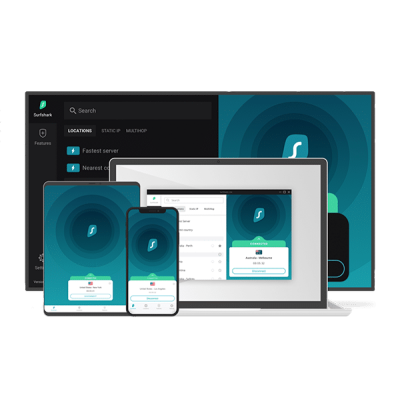
Surfshark CleanWeb: How It Compares to Other VPN Ad Blockers

Surfshark CleanWeb At A Glance
- CleanWeb blocks ads, trackers & malicious sites at the network level.
- Works across desktop, mobile, streaming devices, and browsers.
- CleanWeb 2.0 in extensions adds cookie-pop-up & video ad blocking.
- Boosts speed, security, and privacy — included in all Surfshark plans.
- Now available as a standalone product for maximum ad-blocking coverage.
Online ads aren’t just annoying—they’re a privacy and security risk. Between invasive tracking, phishing attempts, and even malware hidden in banners, it’s no wonder many people turn to ad blockers. But what if your VPN could double as an ad blocker?
That’s exactly what Surfshark’s CleanWeb offers. Instead of juggling multiple tools, you get both online privacy and ad-blocking protection in one subscription. In this article, we’ll take a deep dive into Surfshark’s CleanWeb, how it works, how it compares to other VPN adblockers like NordVPN’s Threat Protection and PIA’s MACE, and when you might still consider a standalone tool like uBlock Origin or AdGuard.
What Is Surfshark CleanWeb?
Surfshark’s CleanWeb is an integrated ad-blocking and security tool included with every Surfshark subscription. Now, Surfshark has launch CleanWeb as a standalone project.
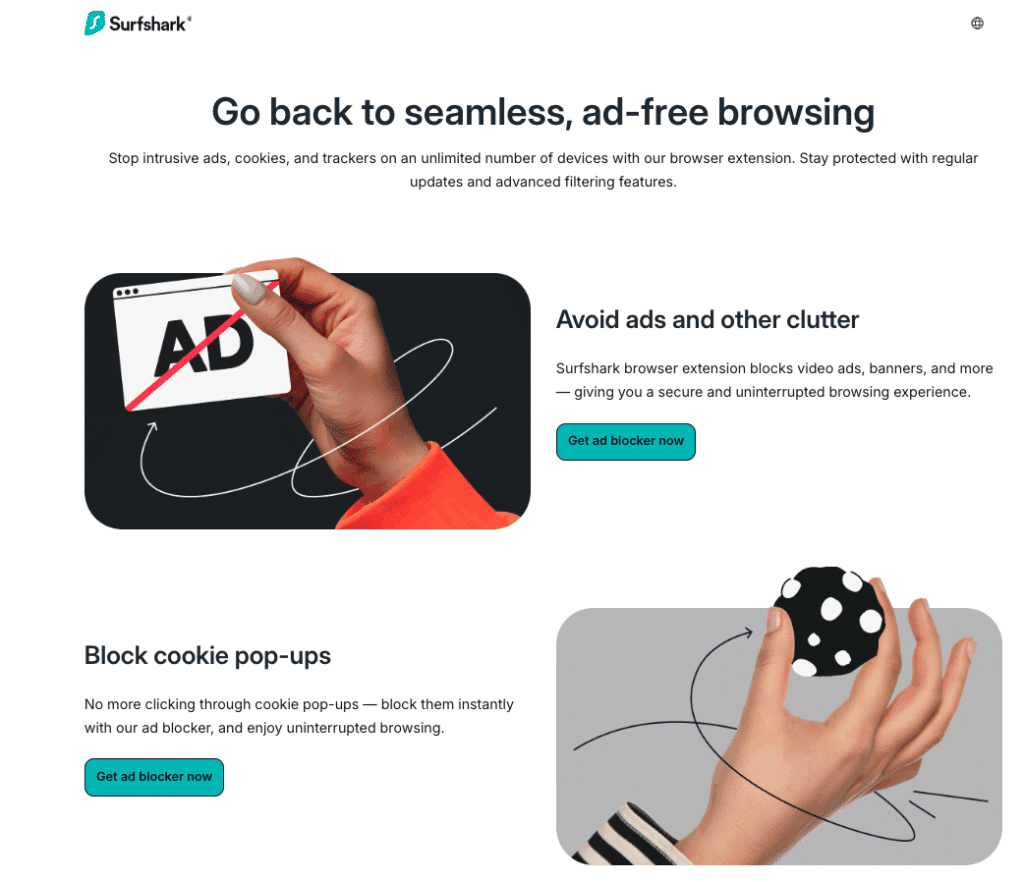
It works by blocking ads, trackers, and malicious websites before they even load, which means:
- No pop-ups or banners when browsing
- Phishing and malware site protection
- Reduced data usage (great for mobile)
- Faster browsing speeds, since ads aren’t loading in the background
With CleanWeb 2.0 (in Surfshark’s browser extensions), you also get:
- Cookie pop-up blocking
- YouTube/Twitch/social media ad blocking
- Ad blocking that works even when you’re not connected to the VPN
In short, it’s more than an ad blocker—it’s a lightweight security layer that makes your internet experience smoother and safer.
Surfshark CleanWeb as a Standalone Ad Blocker
While Surfshark’s CleanWeb is best known as part of the full VPN package, you can also get it as a standalone product. This is ideal if you’re only looking for an ad blocker without all the VPN features.
Surfshark offers CleanWeb standalone for around €29 for 12 months (roughly €2.50/month). This makes it one of the more affordable premium ad blockers on the market, especially considering that it doesn’t just block banner ads—it also filters out trackers, malicious domains, and annoying cookie pop-ups.
👉 Important note: The exact price can vary depending on your location, currency, and local VAT/tax rules. For example, users in the EU may see slight differences compared to those paying in USD or GBP.
With the standalone CleanWeb subscription you get:
- Ad & tracker blocking across supported devices and browsers
- Cookie pop-up suppression with CleanWeb 2.0
- Phishing & malware protection
- Lightweight browser extensions that work even without the VPN active
This makes CleanWeb standalone a smart pick for users who don’t need a VPN but want a trusted, audited ad blocker at a fair price.
How to Enable Surfshark CleanWeb (For Users with a Surfshark VPN Subscription)
Setting up CleanWeb is straightforward.
On the Surfshark app (Windows, macOS, Android, iOS, Linux, Fire TV):
- Open the Surfshark app.
- Go to Settings → Features.
- Toggle CleanWeb ON.
On browser extensions (Chrome, Firefox, Edge):
- CleanWeb is enabled by default. You can manage it under the extension’s Settings tab.
💡 Pro tip: On extensions, CleanWeb works even without connecting to a VPN server—making it useful as a standalone adblocker for quick browsing.
Where Does CleanWeb Work?
One of CleanWeb’s biggest advantages is device compatibility. It works on:
- Desktop: Windows, macOS, Linux
- Mobile: Android & iOS
- Streaming devices: Fire TV, Smart TVs with Surfshark app support
- Browser extensions: Chrome, Firefox, Edge
That means you’re covered whether you’re browsing on your laptop, streaming YouTube on your Fire Stick, or checking news on your phone.
Benefits of Using Surfshark CleanWeb
1. Faster Browsing & Lower Data Use
Ads consume bandwidth. By blocking them, CleanWeb makes pages load faster and reduces mobile data consumption.
2. Improved Security
CleanWeb automatically blocks domains known for phishing, malware, and scams—adding another safety net beyond antivirus.
3. Privacy Boost
By preventing trackers from loading, CleanWeb reduces the amount of data advertisers and data brokers can collect on you.
4. Integrated with VPN
Instead of managing separate apps, Surfshark bundles CleanWeb with its VPN—keeping your setup simple.
Surfshark CleanWeb vs. Other VPN Ad Blockers
While Surfshark’s CleanWeb is solid, how does it compare with competitors?
| Feature | Surfshark CleanWeb | NordVPN Threat Protection | PIA MACE | Proton VPN NetShield |
|---|---|---|---|---|
| Blocks ads | ✅ Yes | ✅ Yes (very high rate) | ✅ Yes | ✅ Yes |
| Blocks trackers | ✅ Yes | ✅ Yes | ✅ Yes | ✅ Yes |
| Blocks malware sites | ✅ Yes | ✅ Yes | ✅ Yes | ✅ Yes |
| Cookie pop-up blocker | ✅ Yes (extension) | ❌ No | ❌ No | ❌ No |
| Works without VPN active | ✅ Extensions only | ✅ Yes | ❌ No | ✅ Yes |
| Effectiveness score* | ~96% | ~91% | ~85% | ~82% |
| Audit/Transparency | ✅ Deloitte & Cure53 | ✅ PwC audits | ❌ Not audited | ✅ Independent audit |
*Based on independent ad-blocking tests.
🔎 Takeaway:
- Surfshark CleanWeb wins on simplicity, price, and cookie pop-up blocking.
- NordVPN’s Threat Protection has raw ad-blocking effectiveness.
- PIA MACE is lightweight but less transparent (no audits).
- Proton VPN NetShield is strong but only available on paid plans.
Standalone Ad Blockers vs. VPN Ad Blockers
It’s worth noting that VPN-based ad blockers like Surfshark CleanWeb aren’t always a replacement for standalone tools.
Standalone adblockers like uBlock Origin, AdGuard, and Privacy Badger offer:
- More custom filters and fine-grained controls
- Browser-level blocking of specific elements
- Free versions (in most cases)
However, they can’t block ads at the network level, meaning some ads may still slip through outside your browser. VPN-based adblockers like CleanWeb cover all apps and devices—not just your browser.
💡 Best setup for most people? A combination of Surfshark CleanWeb + a browser-based adblocker like uBlock Origin gives you layered protection.
Pros & Cons of Surfshark CleanWeb
✅ Pros
- Included free with Surfshark VPN
- Works across multiple devices (desktop, mobile, streaming)
- Cookie pop-up and video ad blocking (extension)
- Independent audits boost credibility
- Improves security and privacy
❌ Cons
- Advanced users may miss custom filters available in uBlock Origin
CleanWeb: User Experiences
Surfshark users frequently highlight the value for money and ease of use:
“I’ve been using Surfshark for 4 years—zero issues, it’s an absolute bargain.”
“This is my first year and I absolutely love it. Easy to use and great.”
On Reddit, some users noted that CleanWeb doesn’t automatically apply on router setups—you’ll need to set Surfshark DNS addresses manually. For most people using the app, though, it works seamlessly.
Final Verdict: Is Surfshark CleanWeb Worth It?
If you’re looking for an all-in-one privacy and ad-blocking solution, Surfshark CleanWeb is one of the best values available. It may not have the absolute best ad-blocking rate compared to NordVPN’s Threat Protection, but it offers cookie pop-up suppression, browser extension flexibility, and multi-device coverage—all included in a budget-friendly VPN subscription.
For most users, Surfshark CleanWeb strikes the perfect balance of convenience, affordability, and effectiveness. Pair it with a dedicated ad blocker like uBlock Origin if you want maximum customization, and you’ll have a browsing setup that’s private, fast, and (mostly) ad-free.
FAQ: Surfshark CleanWeb & Ad Blocking
What is Surfshark CleanWeb?
Does CleanWeb work without connecting to the VPN?
Which devices and browsers support CleanWeb?
How do I turn CleanWeb on?
Does CleanWeb block YouTube and social media ads?
CleanWeb vs. standalone ad blockers — which is better?
How does CleanWeb compare to NordVPN Threat Protection, PIA MACE, or Proton NetShield?
Will CleanWeb break websites or affiliate links?
Does CleanWeb help with phishing and malware?
Can I use CleanWeb on a router?
Is CleanWeb included in all Surfshark plans?
What are good alternatives or complements to CleanWeb?
Join the TechRobot Newsletter
Actionable tips on online security, the best VPNs, unblocking guides, and special offers — straight to your inbox.
Related Posts
- SurfShark Review (2026)
- Surfshark Coupon and Discount Code 2026 | Get 87% Off Surfshark
- Best Alternatives to SurfShark for March, 2026
- Surfshark Black Friday 2025: Save Big on Privacy, Speed & Streaming
- Surfshark Price: How Much Surfshark Costs in 2026
- Setup and use Surfshark on PS5
- Setup and Use Surfshark on Firestick TV
- Setup and use SurfShark on PS4
- How to Set Up and Use Surfshark on Apple TV (Updated 2026)
- Surfshark for Netflix: Does it Work & How Good Is It in 2026?